ICQ — stay connected
Convert audio messages to text,
use smart replies, stay online
even with bad internet connection
For all platforms
- Desktop
- Smartphone
- Web version
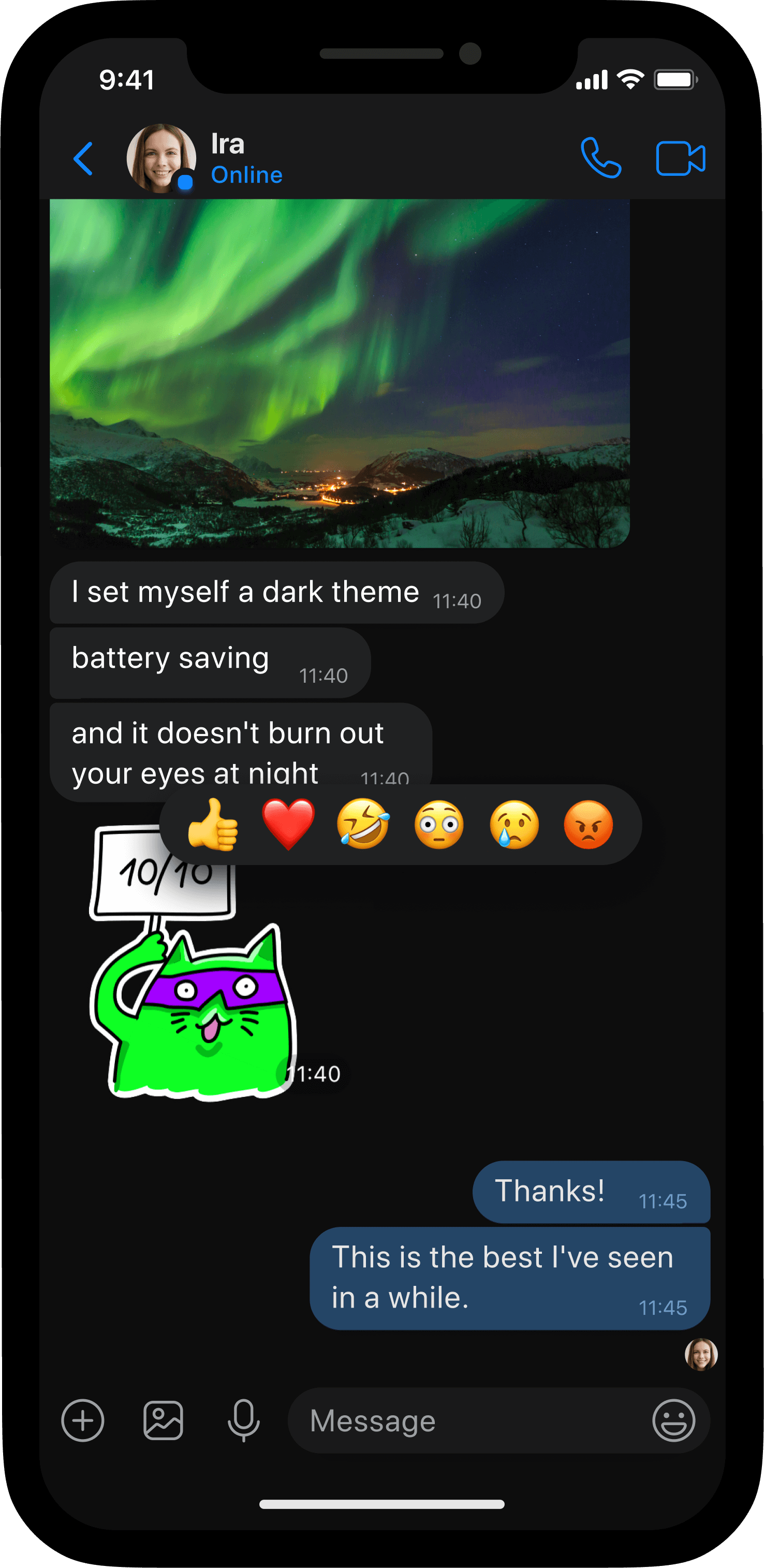
Smart. Fast. Everything you want it to be.
Smart. Fast. Everything you want it to be.
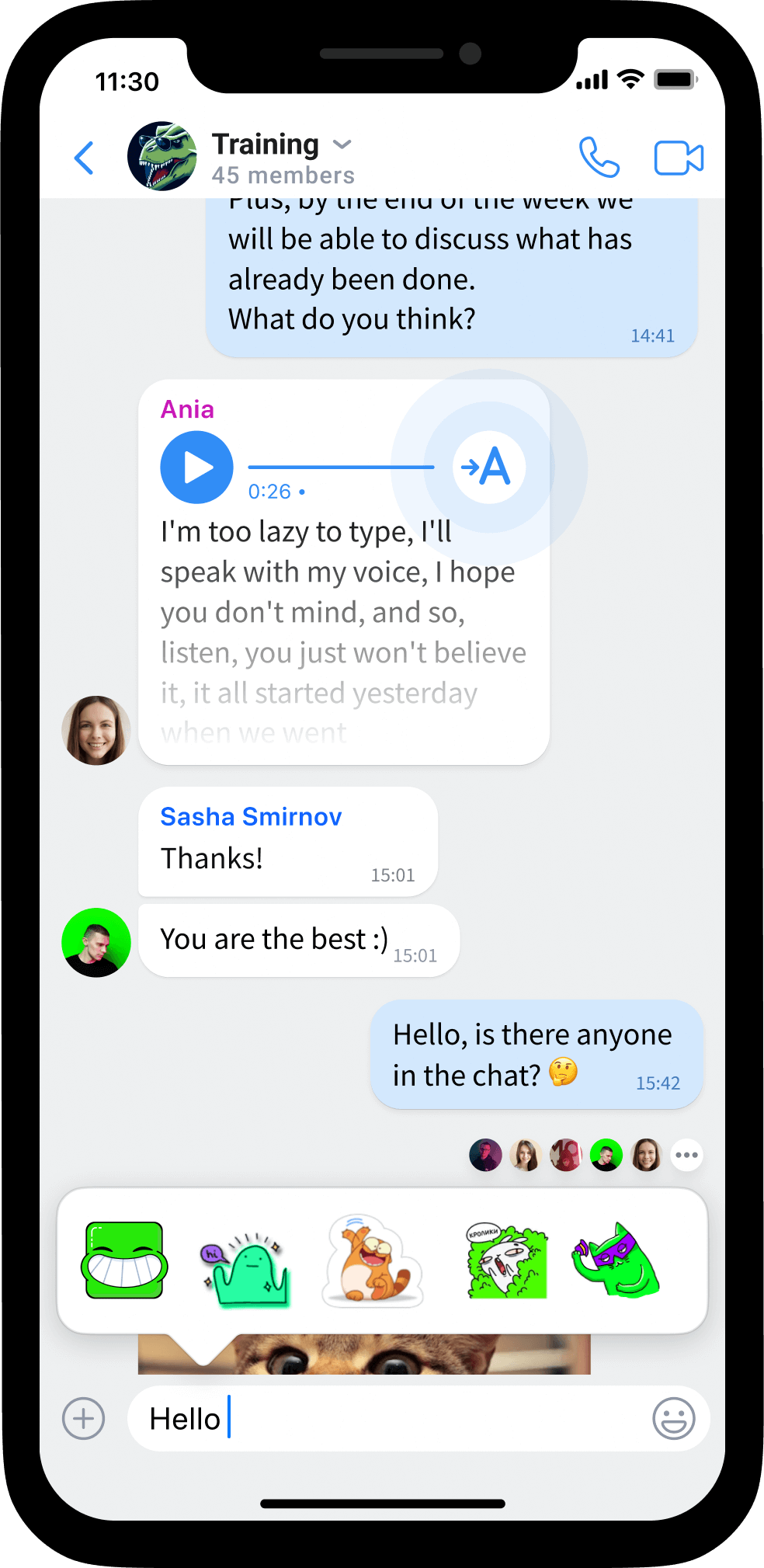
Audio
to text
Now you can convert audio messages to text

Smart
replies
Use a suggested reply or a sticker based on conversation theme
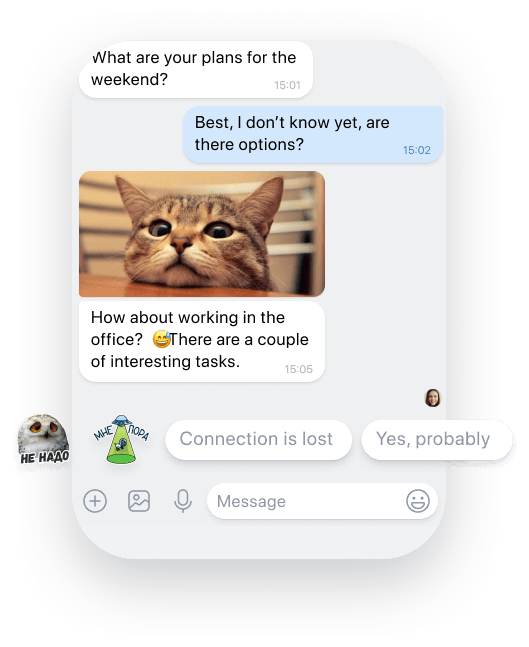
Reply with
just one tap
Messenger analyzes the text and suggests the quickest way to reply with text or a sticker
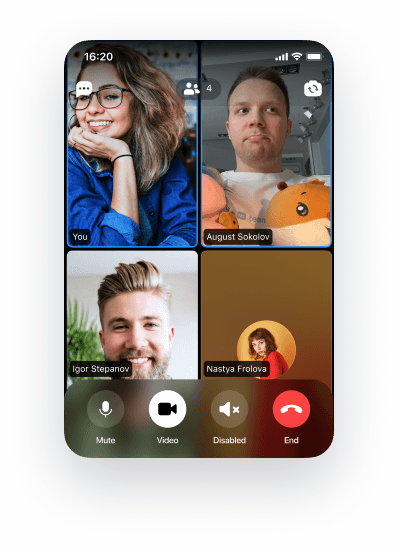
Call up quickly
in voice or video
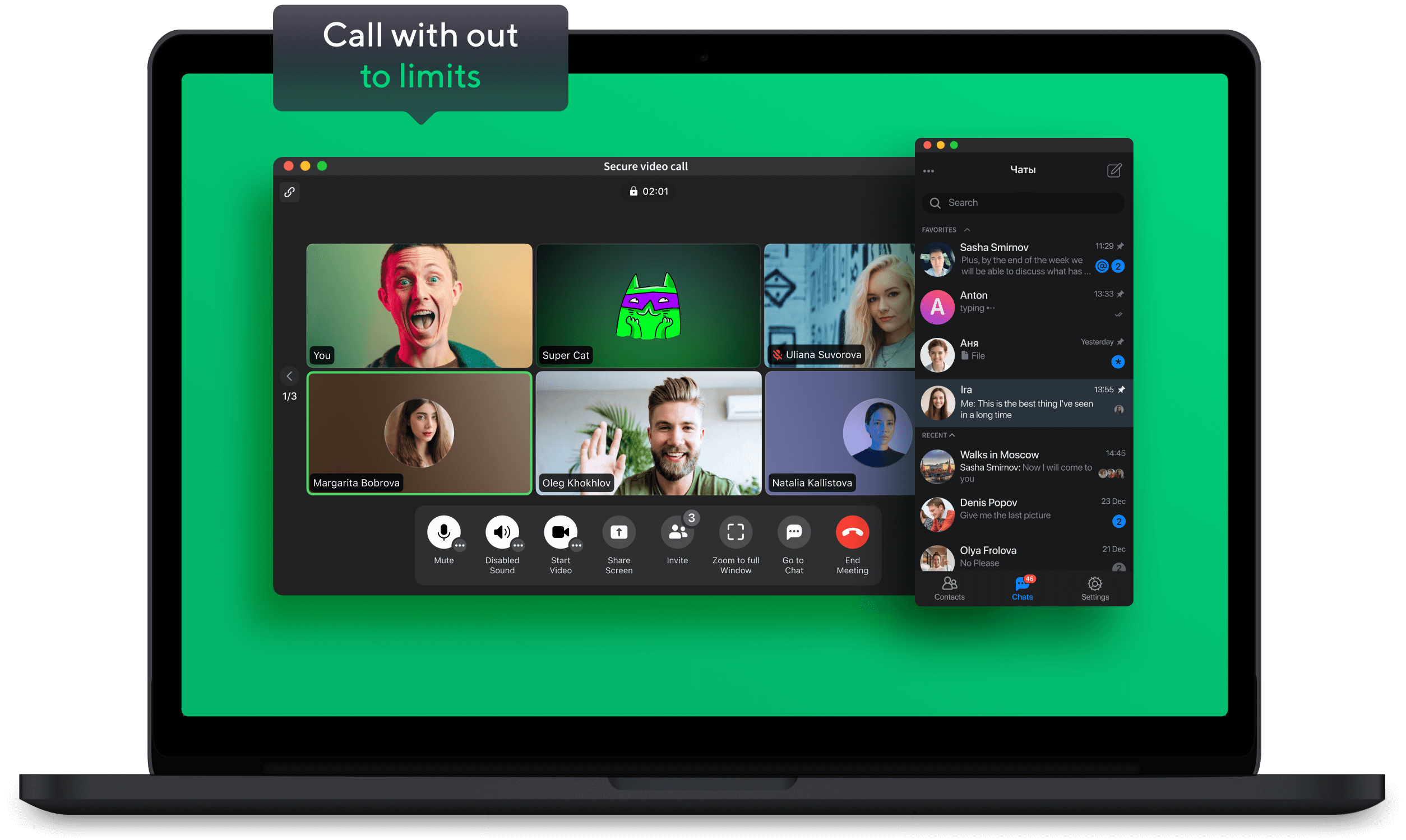
Without long “dialing” and breaking calls
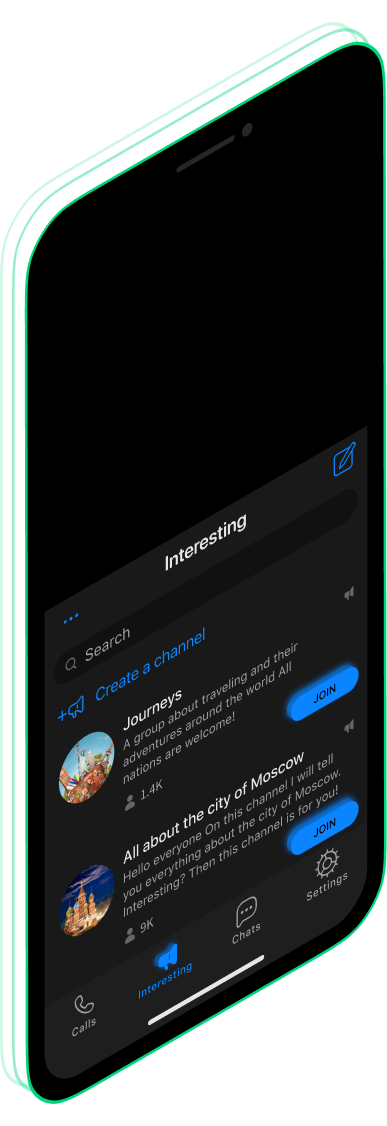
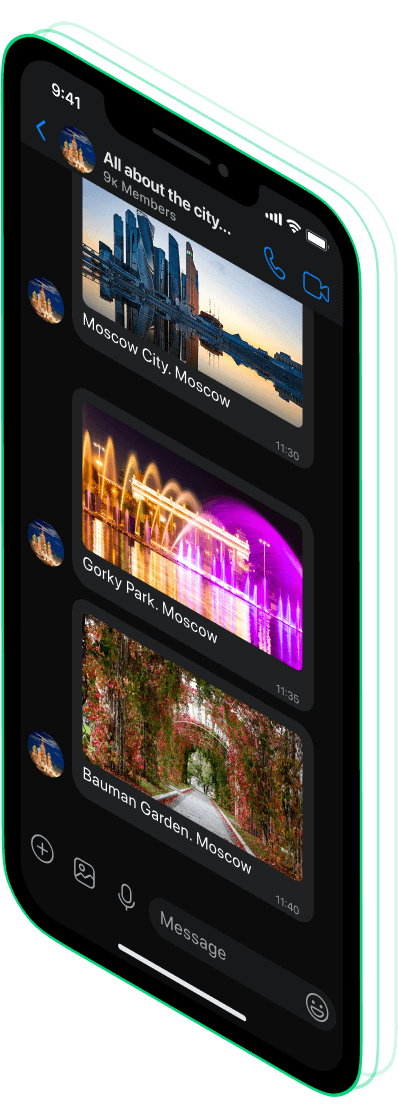
Showcase of popular
channels and groups
Reactions for messages,
views counter
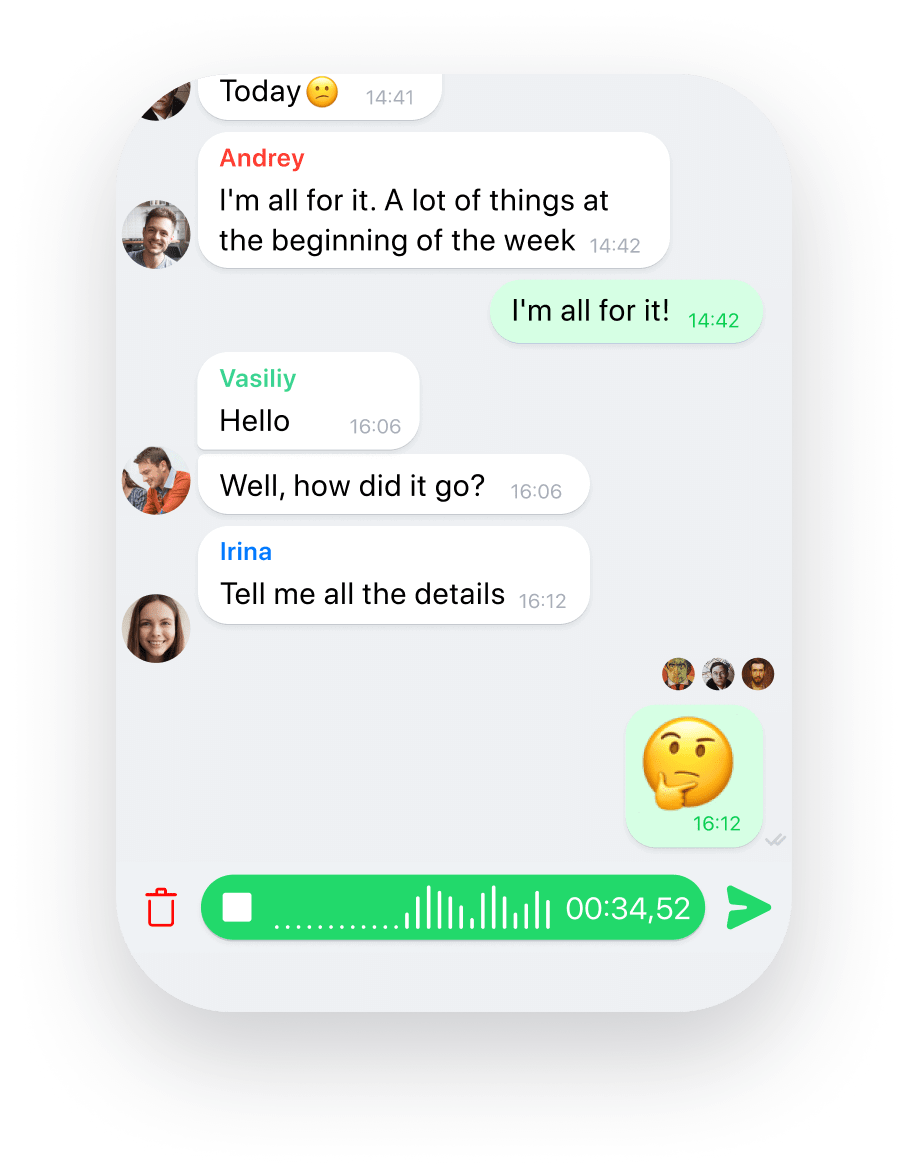
Push to talk
when there is no
time for texting
Send audio with one touch or walkie-talkie
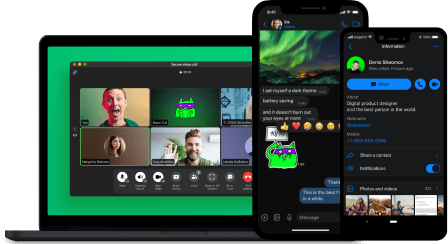
Switch over
quickly
Conversation history is synced across all devices
Chat in
huge groups
up to 25k members
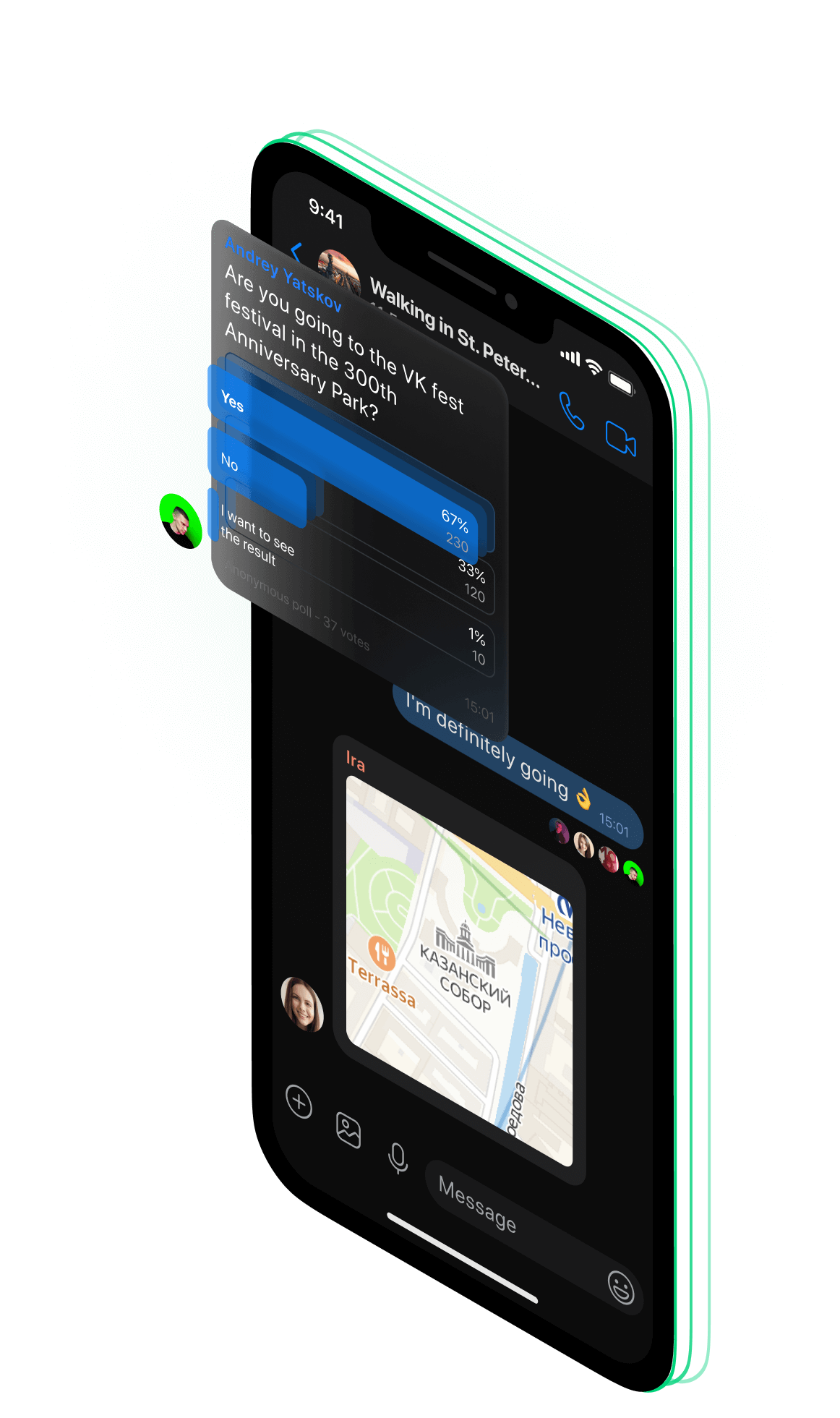
- chat polls
- you can see who has read a message
- chat members do not see each other phone numbers
- public chat search is available
- you can make access by confirmation
- add members via qr code
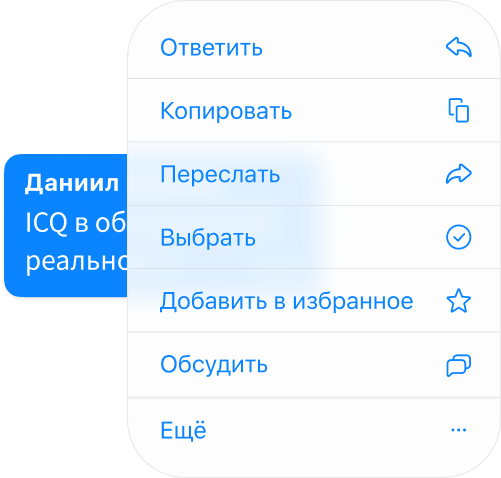
Send, delete
or edit messages
Reply to multiple messages at once!
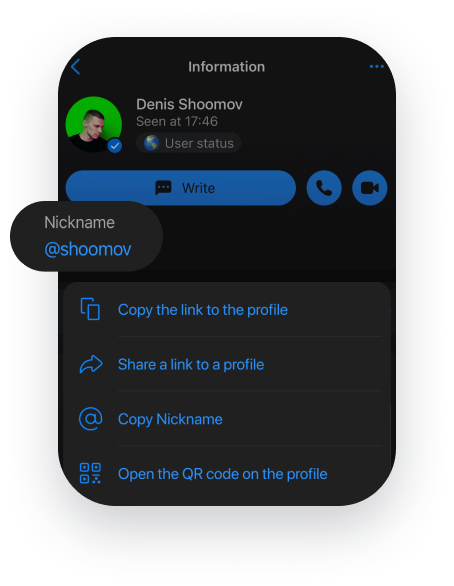
Share your username
without having to share
your number
However you like, let everyone know that you’re now in ICQ
Send photos
and videos
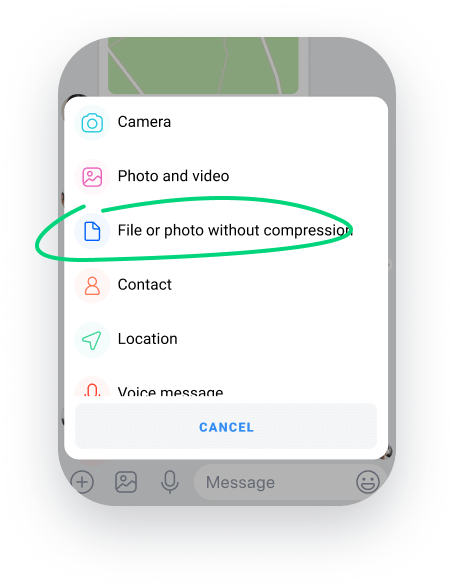
without compression
Even movies! In ICQ you can send original photos and videos. You can also decide whether to save it in your device or not